Phone not charging correctly? People struggling to hear you on the other line? It’s likely your charge port assembly needs to be replaced. Here’s a step-by-step guide to get you back up and running.
Motorola Edge 50 repair
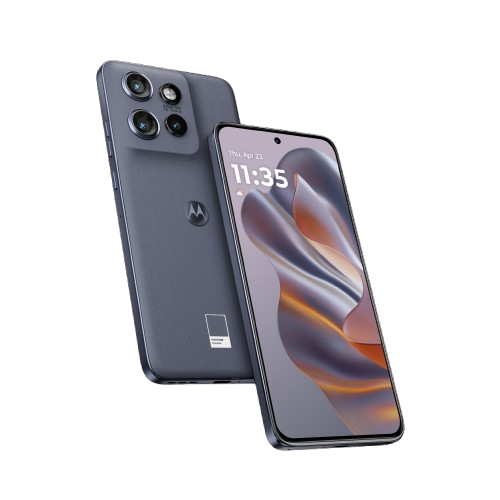
Charge Port - Edge 50
25-35 MINUTES
VIDEO / PHOTO GUIDE
Parts Used
Tools & Consumables Required
Technician notes:
The adhesive on this phone is pretty solid! Make sure you set enough time aside to patiently break the seal when taking the phone apart and fully remove it when preparing for reassembly
The adhesive on this phone is pretty solid! Make sure you set enough time aside to patiently break the seal when taking the phone apart and fully remove it when preparing for reassembly
- SIM Tray Removal
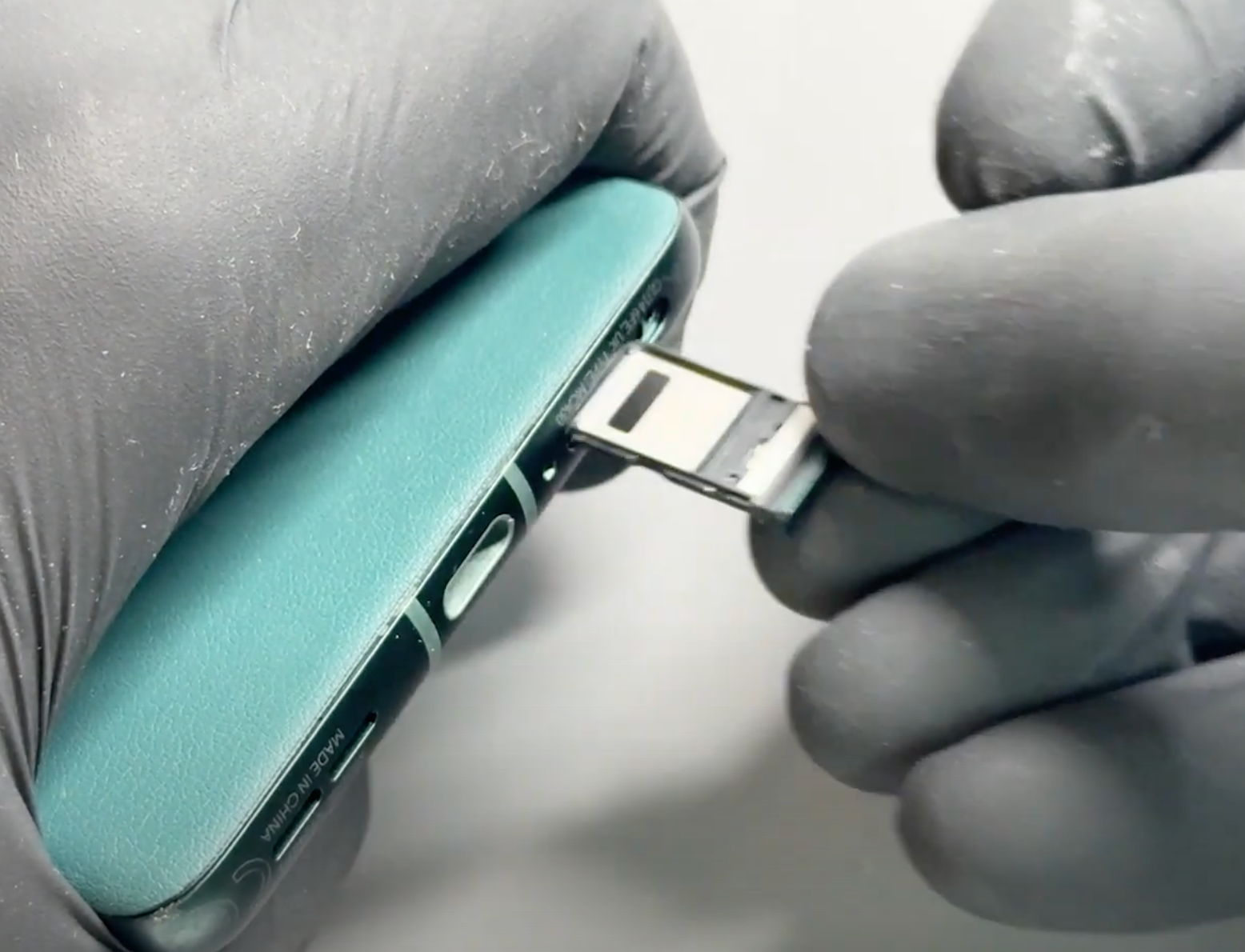

Prepare your work area - once ready, remove your SIM card tray using the SIM Eject Tool.
- Battery Cover Removal
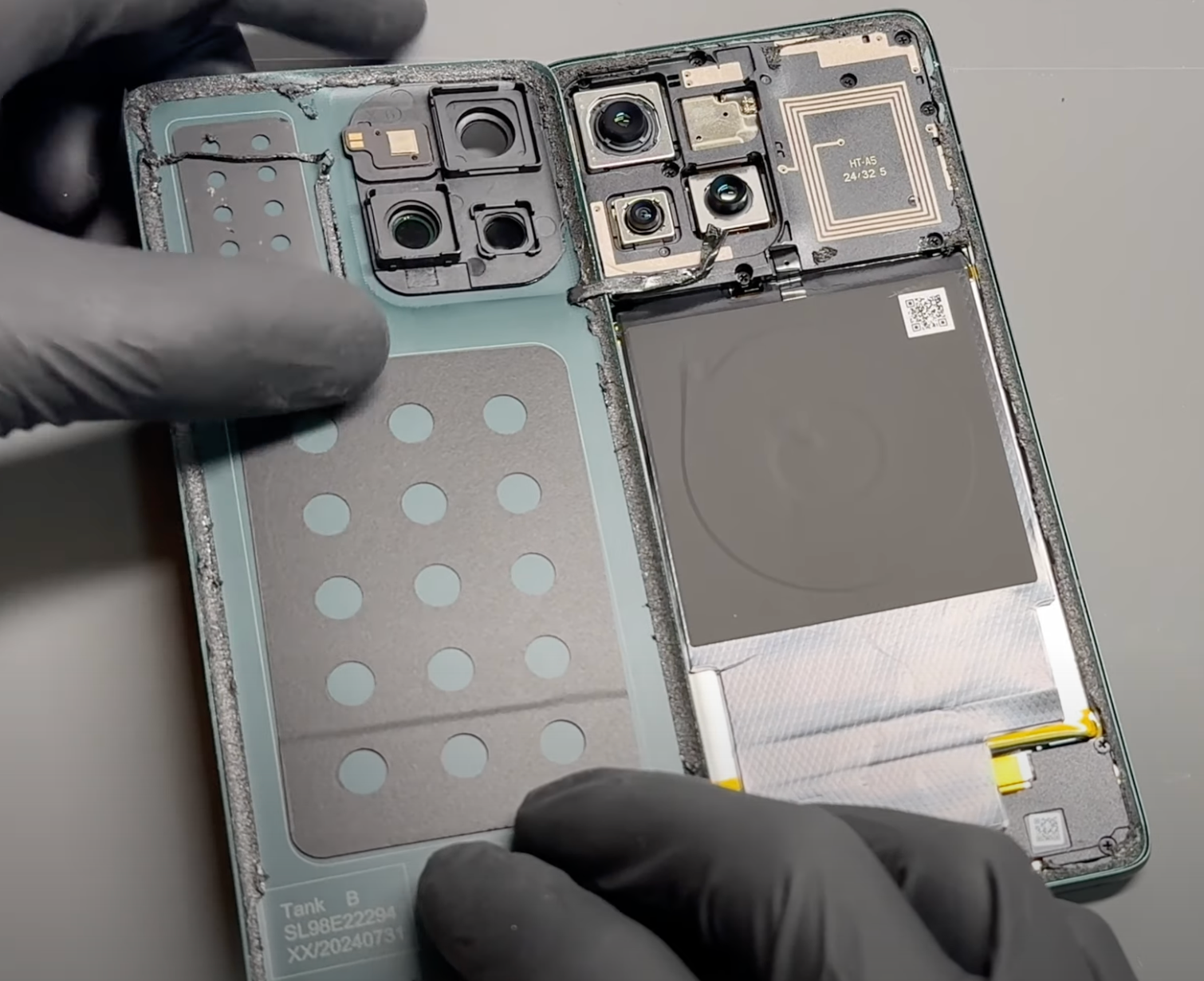
Gently heat the phone’s back cover using a hairdryer on medium or a heat gun on low until it feels warm to the touch. This helps soften the adhesive for easier removal.
Using a metal pry tool or a handled blade, carefully create a small gap between the back cover and the frame. Once a gap is established, insert a plastic card, playing card, or a thick piece of paper. Slowly slide it around the edges to loosen the adhesive seal, taking care not to damage internal components.
Reapply heat as needed to further soften the adhesive. Once the seal is fully loosened, carefully lift the back cover, using the card tool to separate any remaining adhesive. Take your time and proceed gently.
Once separated, carefully remove all old adhesive from both the phone’s frame and the back cover (unless it's being replaced). This step can be time-consuming, so patience is key.
If available, apply a small amount of isopropyl alcohol (IPA) or acetone (such as nail polish remover) to a cotton swab and gently dab it onto the adhesive to help break it down. This will make removal easier and ensure a clean surface for reapplication.
Alternatively, use a plastic or nylon tool to gently scrape off the adhesive without damaging the phone’s frame or components. Be thorough in this step to ensure a secure fit when reattaching the cover.
- Charge Port Removal
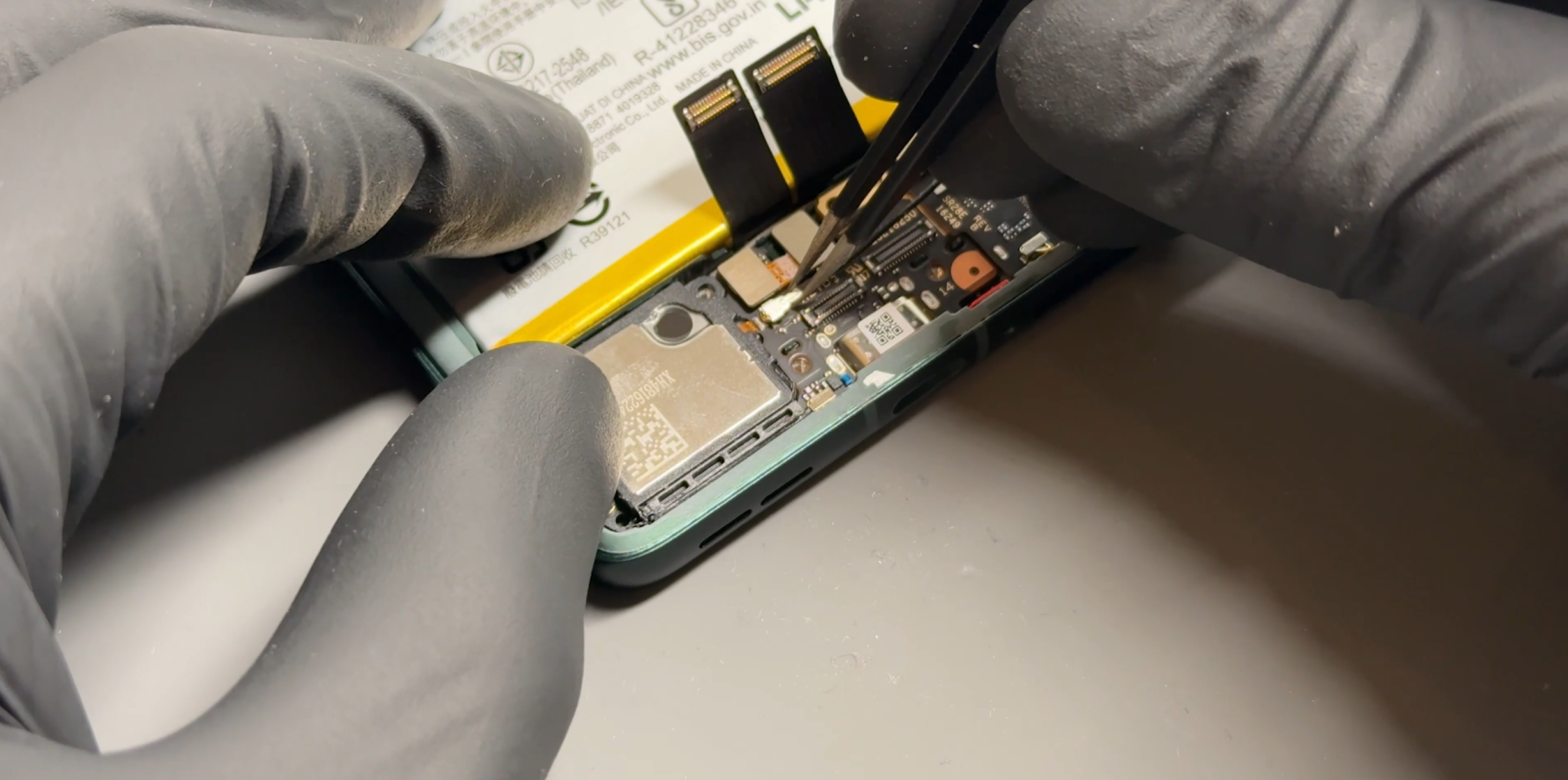
Remove the six screws holding the bracket in place. You do not need to remove the silver screw securing the loudspeaker (far bottom left). Once all screws are removed, gently pry off the bracket.
Disconnect the two flexible connectors and carefully lift them out of the way. Remove the yellow insulation tape carefully, as it will need to be reused later. Unscrew the silver screw located under the cables that holds a metal bracket in place. Be careful—this screw is different from the others, so keep it separate.
Once the bracket is removed, disconnect the flex cable located next to the battery, followed by the two coaxial cables (black and white) by applying gentle upward pressure under the connectors.
Lift out the daughterboard (the smaller board on the right), which should come out directly. Then, disconnect the last component on the charging port—the optical sensor. Carefully disconnect the connector and lift the module out, avoiding direct contact with the sensor. Using tweezers is ideal.
Lastly, apply pressure from the side (as shown in the video) of the board to pry it up towards you and lift it out.
- New Charge Port Installation
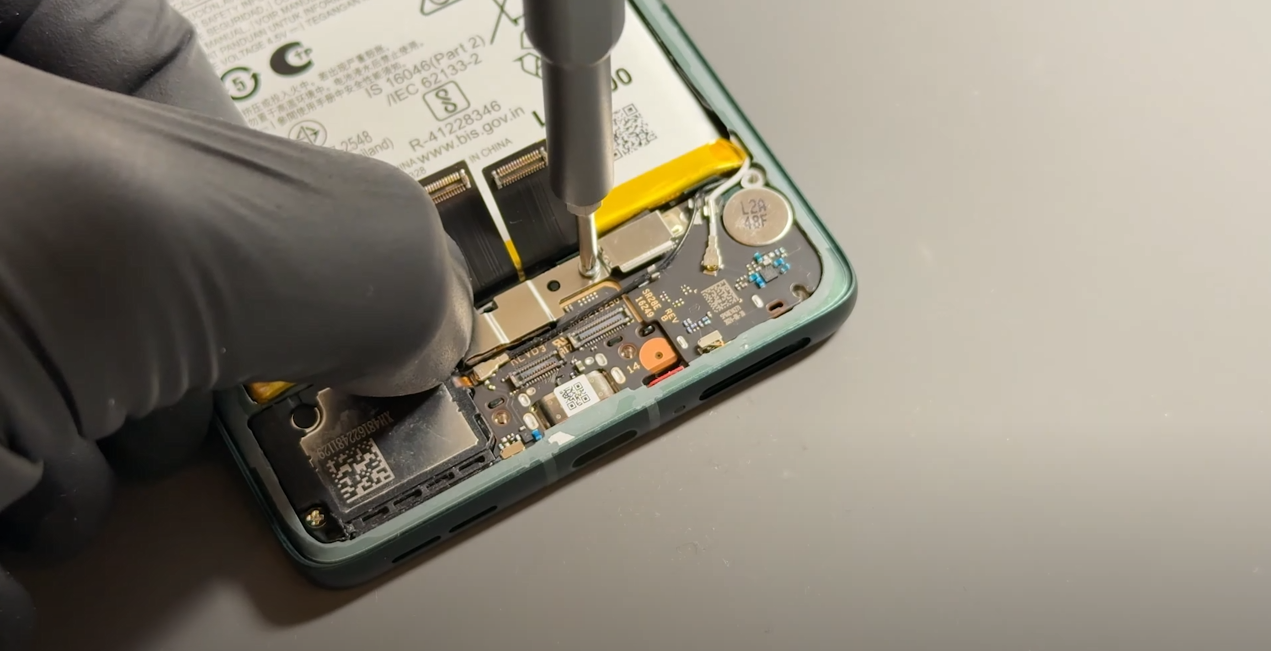
Reversing the steps above, insert the new charge port by first placing the USB connector into the port, then securing it down.
Reinstall the optical sensor, ensuring you avoid touching the sensor directly. Place the daughterboard back into position and reconnect its connector.
Reconnect the coaxial cables—this can be tricky, so we recommend using tweezers to align the connector before applying gentle pressure until it clicks into place. Ensure the cable is routed through the correct channel brackets, then repeat the process for the black coaxial connector.
Place the metal bracket back into position, secure it using the silver screw you set aside, and reapply the insulating tape before reconnecting the two cables.
Finally, place the bracket back over the charge port and secure it in place with the six remaining screws.
- Battery Cover Installation
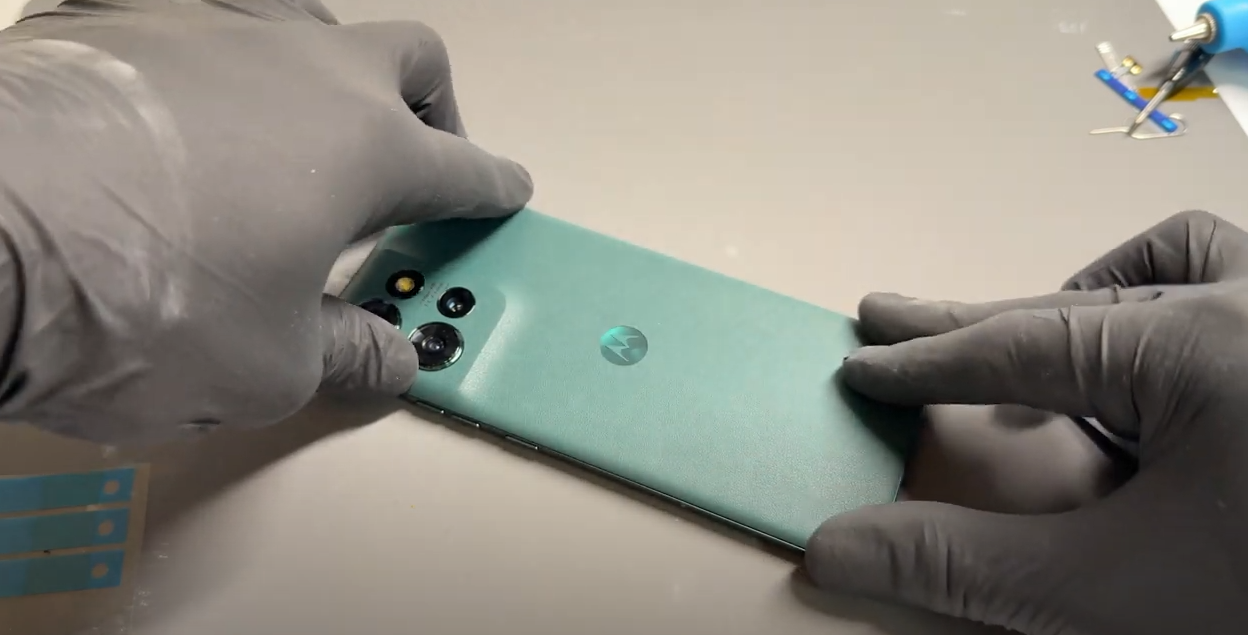
Inspect the phone's frame and battery cover and remove any loose adhesive using tweezers or by gently rubbing it away with your finger to ensure a clean surface.
Align the new adhesive precisely with the edges of the replacement battery cover, then press it firmly into place.
Use your finger to apply even pressure around the adhesive to ensure it bonds securely to the new cover
Carefully remove the protective film covering the top layer of the adhesive, then align and install it onto the phone’s frame. Apply firm, steady, and gentle pressure around the edges of the phone to ensure a secure fit.
- Final Testing & Device Help App
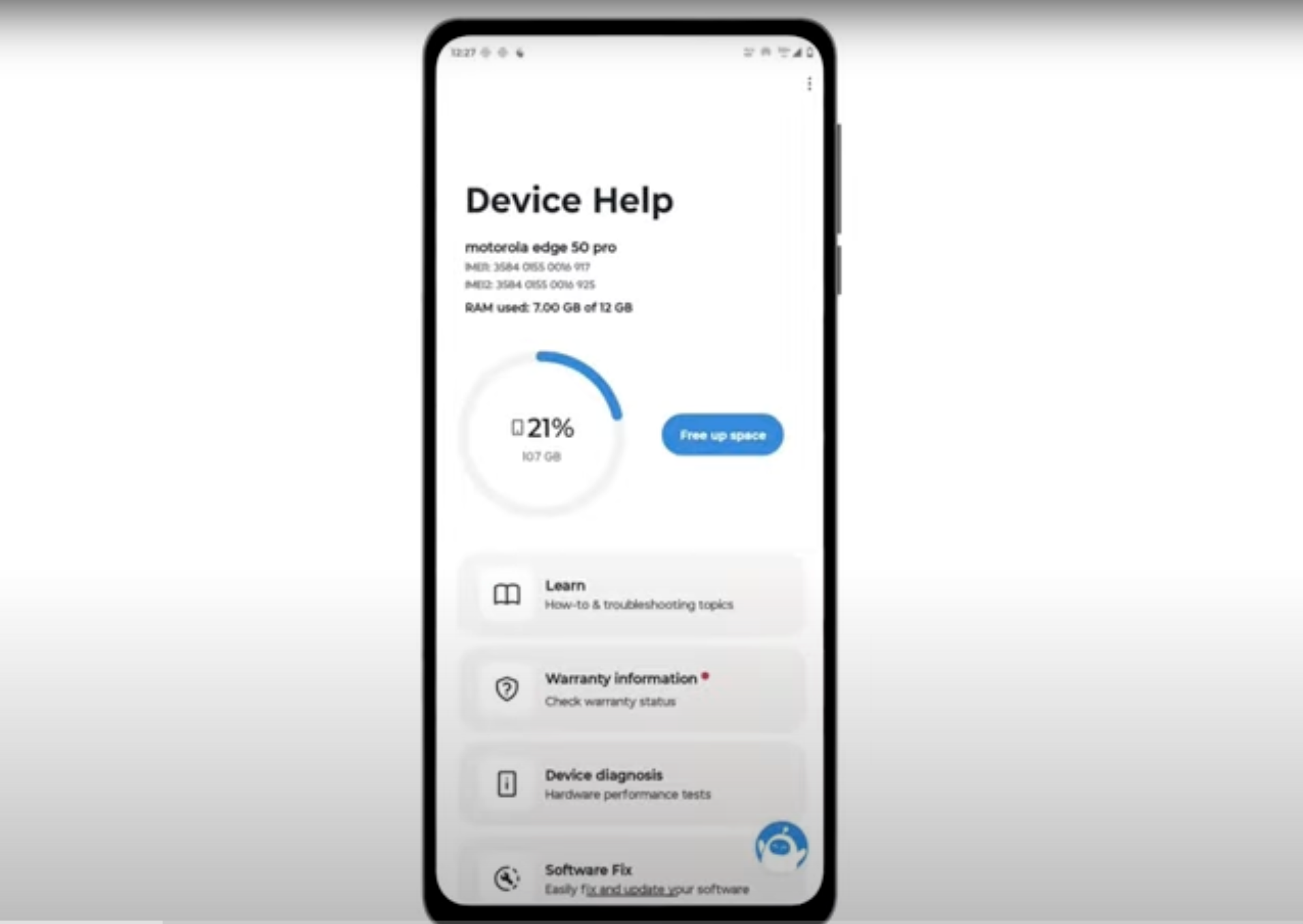
Download and run Motorola Smart Assist to fully test your device and follow any required configuration.