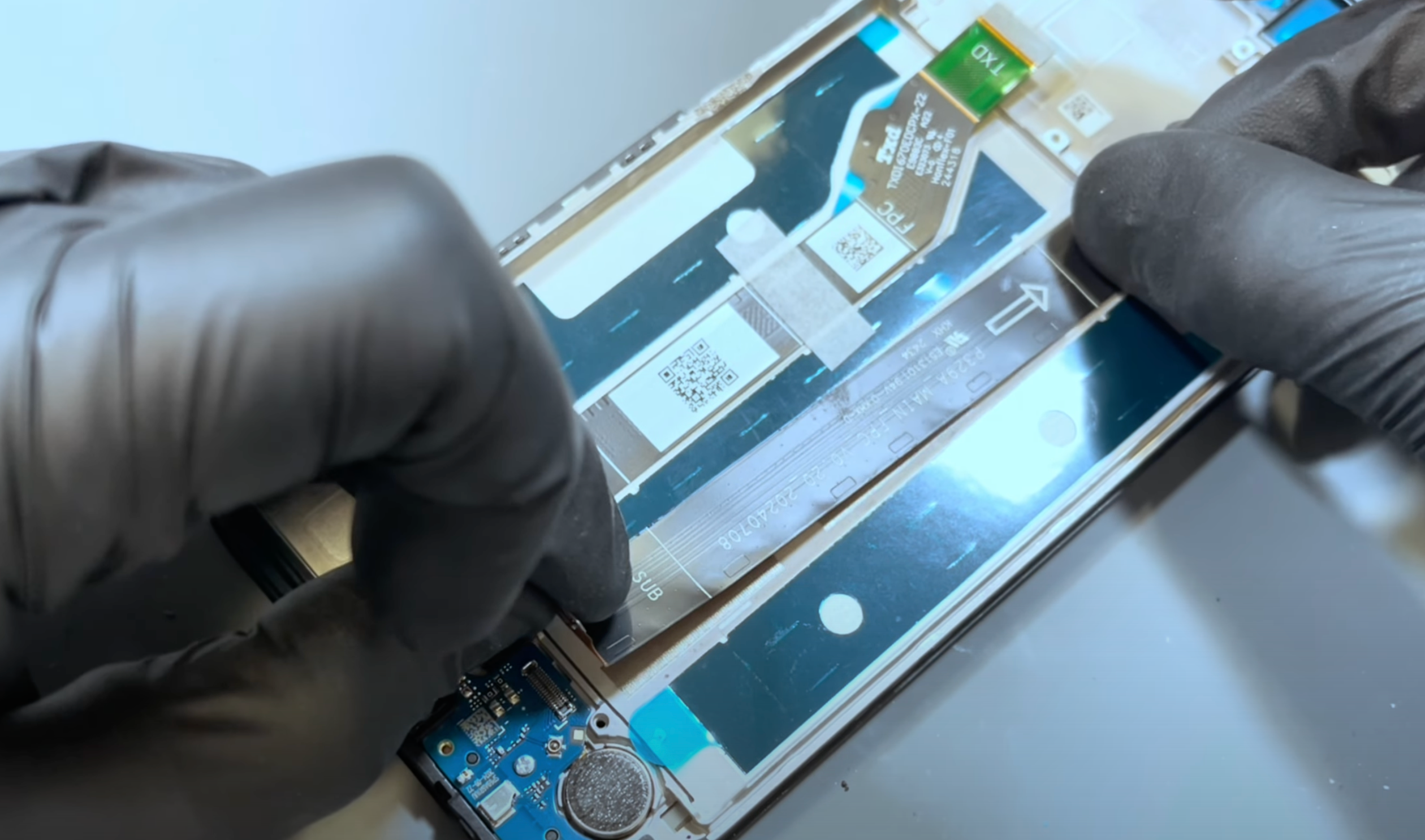
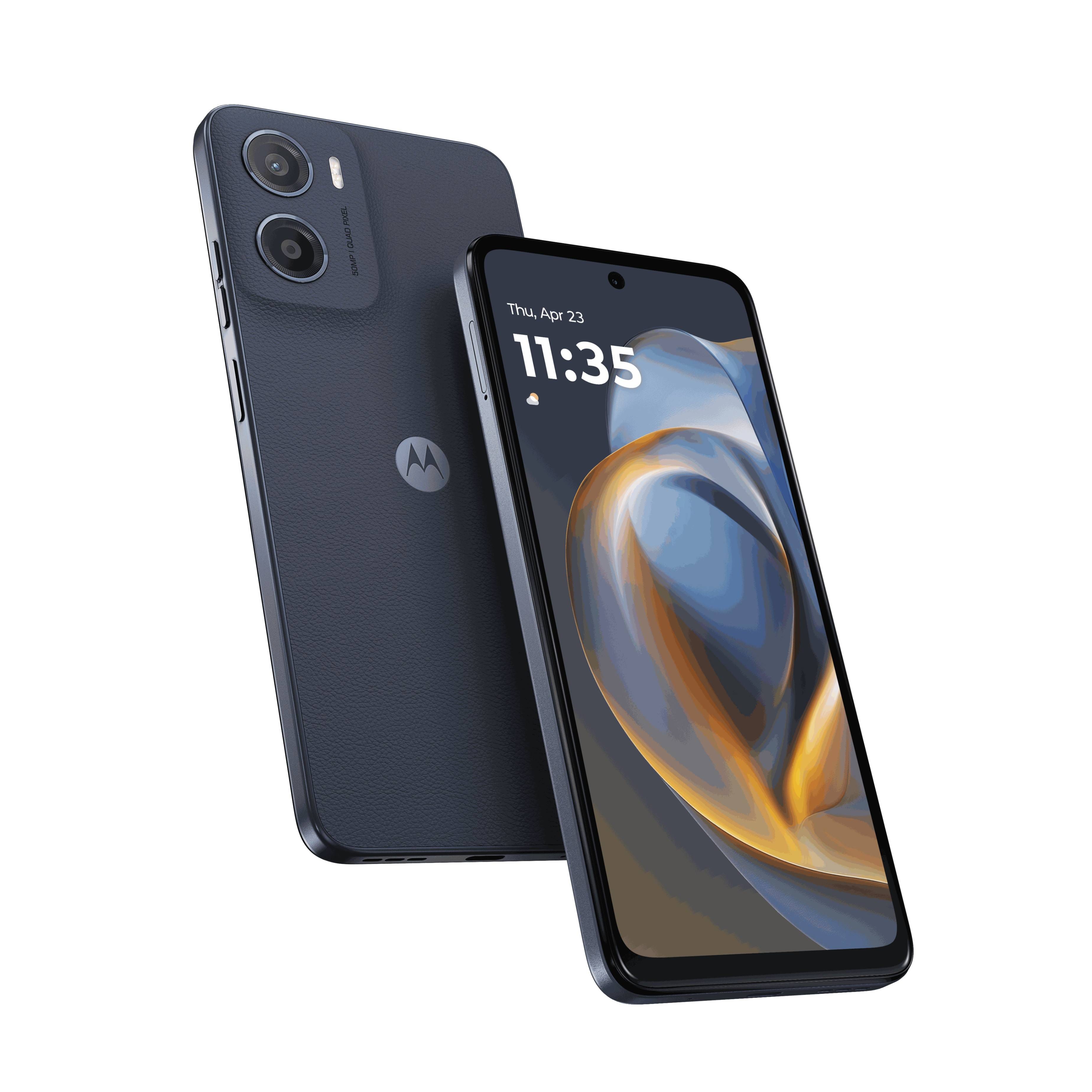
moto g05
-
Self-service

Self-service repairs can save time and money, but improper repairs can void warranties, damage your device, or even cause injury. If you're uncomfortable with the repair instructions or encounter any difficulties, please seek assistance from a qualified repair centre.
-
Device Help App
Use the Motorola Device Help application to learn more about the features and functions of your device and troubleshoot potential problems. You can also check your warranty coverage and contact Motorola support. Learn how to access the app below.
-
Software Fix and Back Up
A full update of your phone’s software may help fix many software issues and avoid a time-consuming repair.
Safely backup your data before using the Software Fix feature to update the software on your phone. Your contacts, photos and music can then be safely restored.
Ready to repair
Do you have the tools and parts you require?
Select your repair type below
Replacement Guides