
The charge port contains multiple important components, including the main microphone, antennas, and the port itself. In this guide, we’ll show you how to replace it step by step.
moto g75 repair
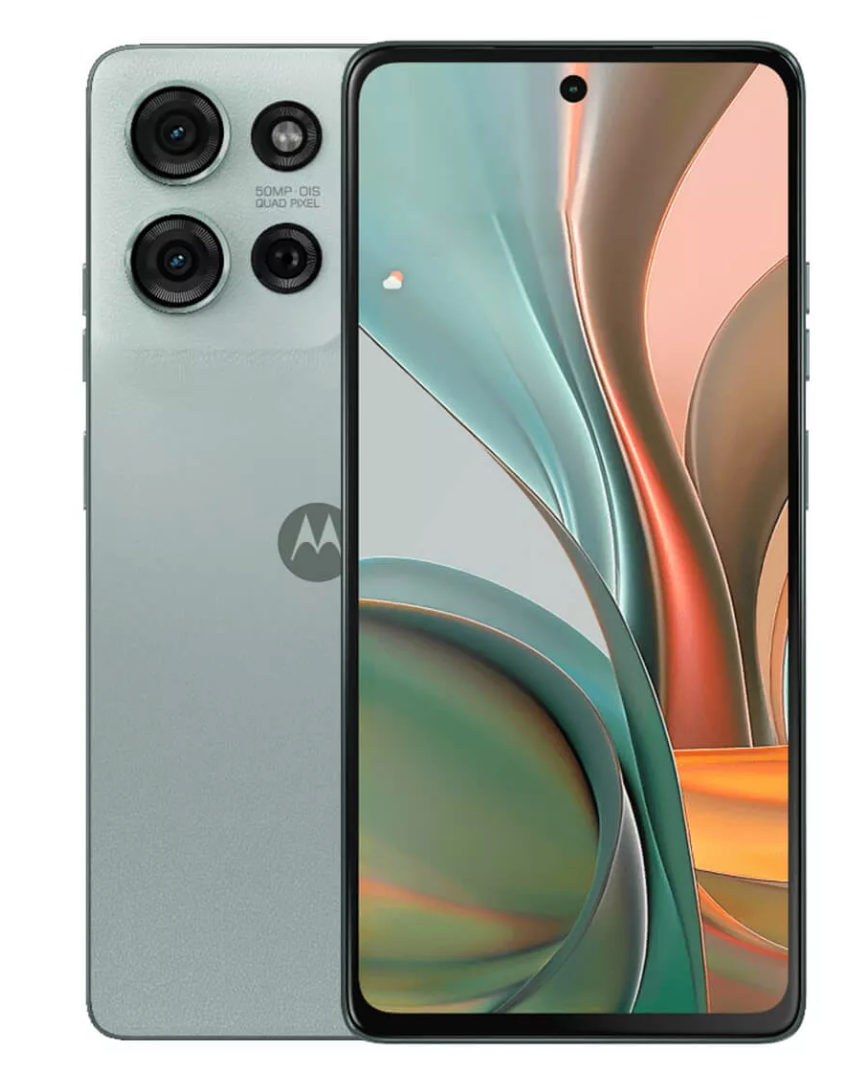
Charge Port Replacement - G75
25-30 MINUTES
VIDEO / PHOTO GUIDE
Parts Used
Tools & Consumables Required
Technician notes:
You need to be precise and careful with this repair, as it involves many small connectors, especially the round coaxial antennas. Never force them into place, as this may distort the connector head. Once properly aligned, they should pop on with minimal pressure. Take your time with this step.
You need to be precise and careful with this repair, as it involves many small connectors, especially the round coaxial antennas. Never force them into place, as this may distort the connector head. Once properly aligned, they should pop on with minimal pressure. Take your time with this step.
- Battery Cover Removal
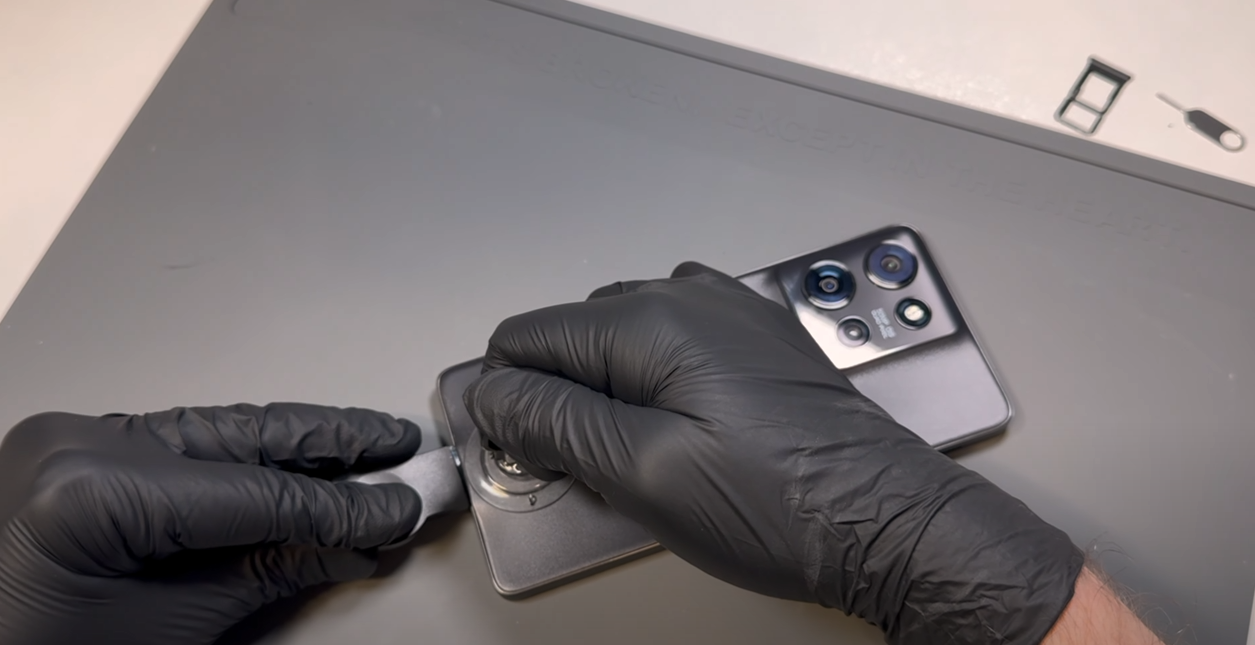

Using the SIM card ejection tool, insert it into the release hole and remove the SIM card tray.
Heat the phone using a hairdryer on a medium setting or a heat gun on a low setting until it is warm to the touch. Once warm, use a plastic blade to create a small gap at the bottom of the phone between the battery cover and the metal frame, using the suction cup if needed. The battery cover is made of a relatively soft material, so don’t worry if it starts to bend slightly—it will return to its normal shape as long as its not bent too much.
Once a gap is made, insert a plastic card and gently slide it around the phone in a back-and-forth motion to begin cutting through the adhesive and breaking the bond. You may need to reapply heat as necessary to keep the adhesive soft.
Be careful not to insert the card too deeply into the phone—1-2 cm should be the maximum depth needed.
Once all adhesive has been cut and the battery cover is loose, wriggle the cover left and right to complete the separation - dont pull it off causing a bend.
- Charge Port Removal
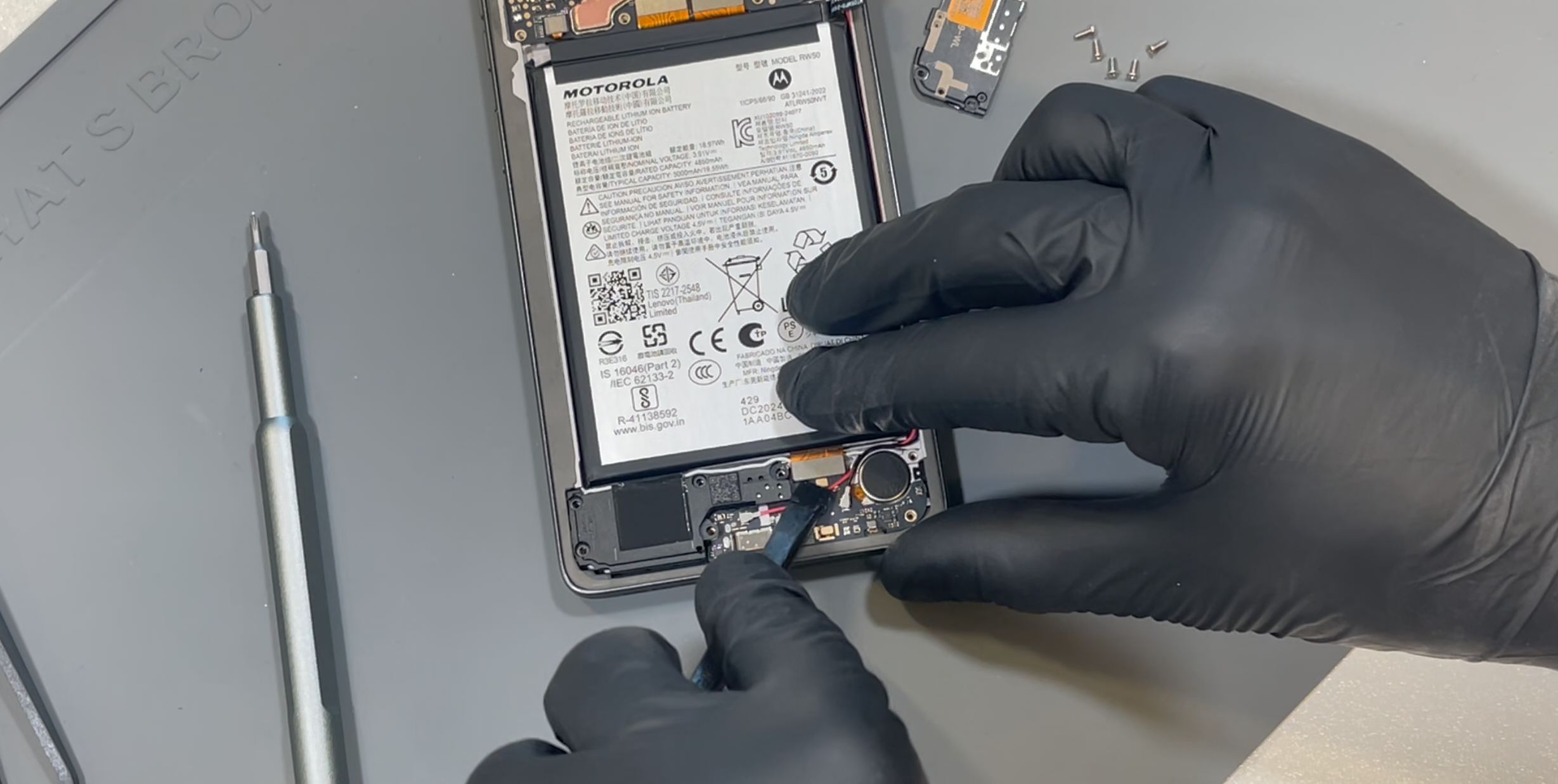
First, disconnect the battery.
Remove the eight screws at the bottom of the phone. Once removed, lift out the bracket on the left side.
Disconnect the flex cable at the top of the charge port. Once released, lift out the loudspeaker with the white cable still connected and set it aside.
Disconnect the red coaxial cable by applying a small amount of pressure under the neck of the connector. This cable is held in a small retainer on the charge port—gently lift it out and move it aside.
Disconnect the black coaxial cable in the same way.
Remove the black screw securing the charge port in place—set it aside separately, as it is different from the other screws already removed.
Using a probe tool, gently pry up the charge port from the rear left side and lift it out.
- Charge Port Installation
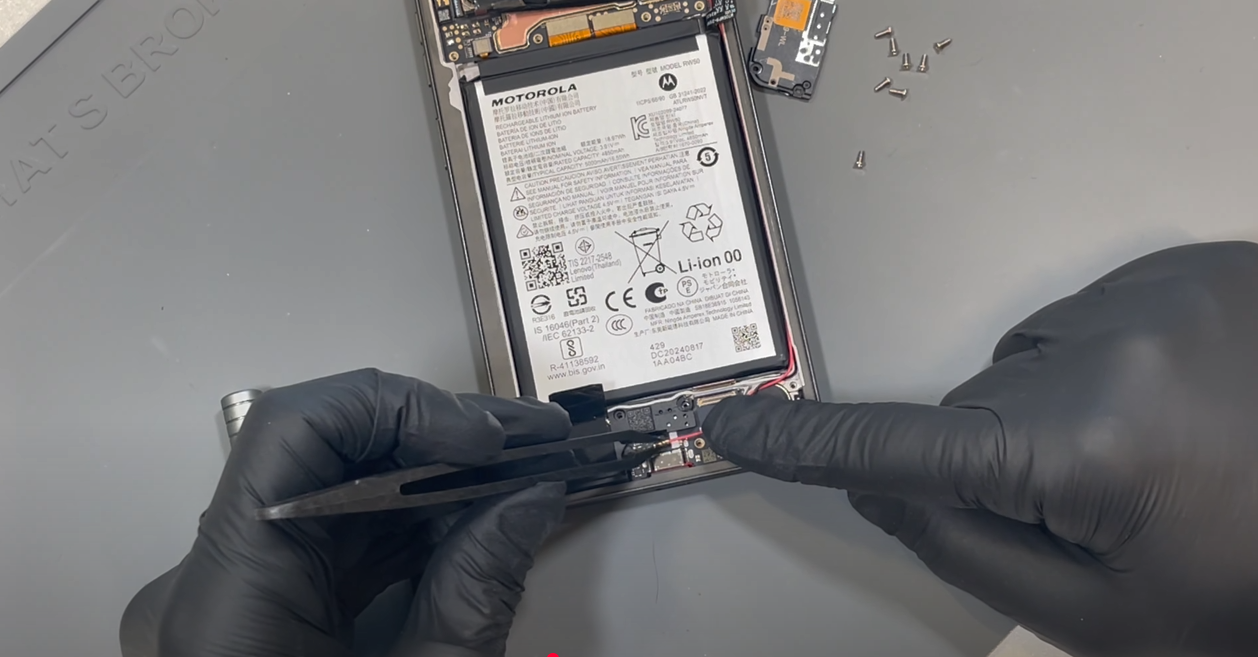
Install the new charge port by aligning it in place and pressing it down, reversing the removal steps from above. Secure it with the black screw.
Bring back the loudspeaker with the white cable already connected and position it correctly. Ensure the white cable is properly routed in the groove on the speaker and tucked under the flex cable.
Once the speaker is in place, connect the flex cable, which will hold the white cable securely.
Connect the red coaxial cable, making sure it is correctly routed through the grooves around the vibrating motor. Use tweezers if needed to align the connector, then apply light pressure to snap it into place. Ensure the cable is also secured in the retaining brass bracket on the charge port.
Reconnect the black coaxial cable in the same way.
Review the cable routing to ensure everything is tidy, then place the bracket back in position. Visually check the screw holes to make sure no cables are obstructing them before securing all eight screws.
Finally, reconnect the battery.
-
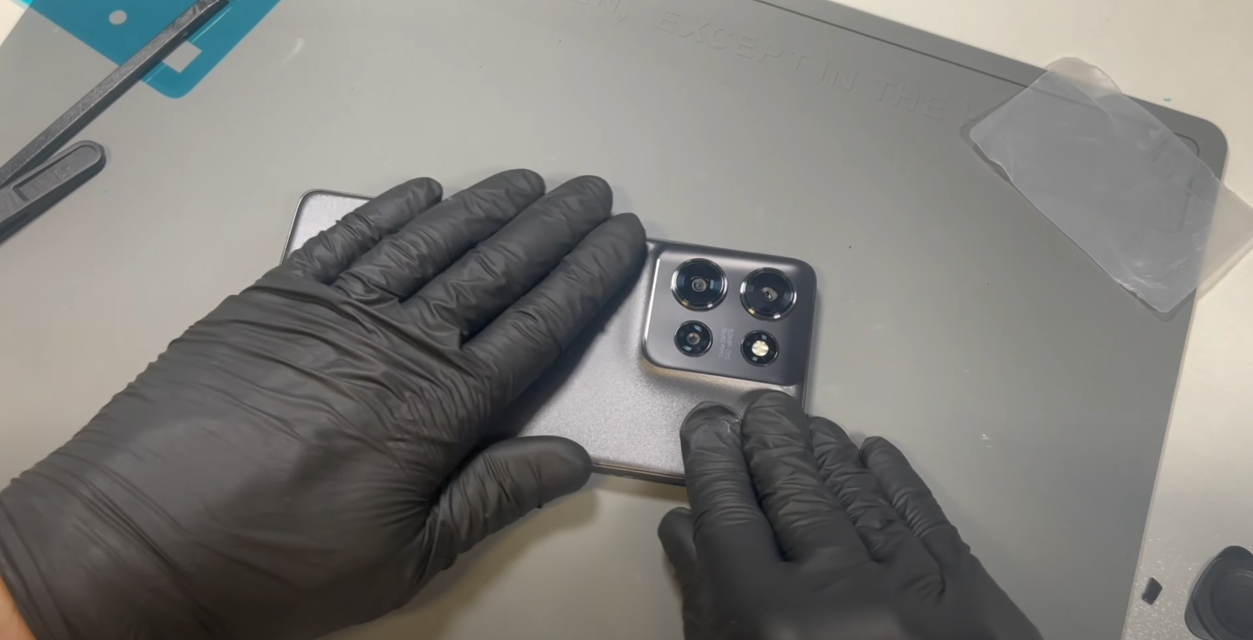
Fully clean the old adhesive from the phone’s frame. This can be a bit stubborn, so applying heat will help. Use only plastic tools or your finger to rub off the adhesive. If you're installing a new screen, you can skip this step.
Next, fully clean any old adhesive from the battery cover using the same approach as above.
Install the new battery cover gasket/adhesive. Remove the top layer to expose the sticky surface. Take your time aligning the adhesive to the battery cover—gently rest it on top, and if it's not positioned correctly, carefully remove and reapply.
Once satisfied with the placement, apply firm pressure all around the adhesive to ensure it bonds to the battery cover.
Peel off the protective layer from the adhesive on the battery cover, carefully place the cover onto the phone, and apply pressure all around to ensure a secure fit.
- Final Testing & Device Help App
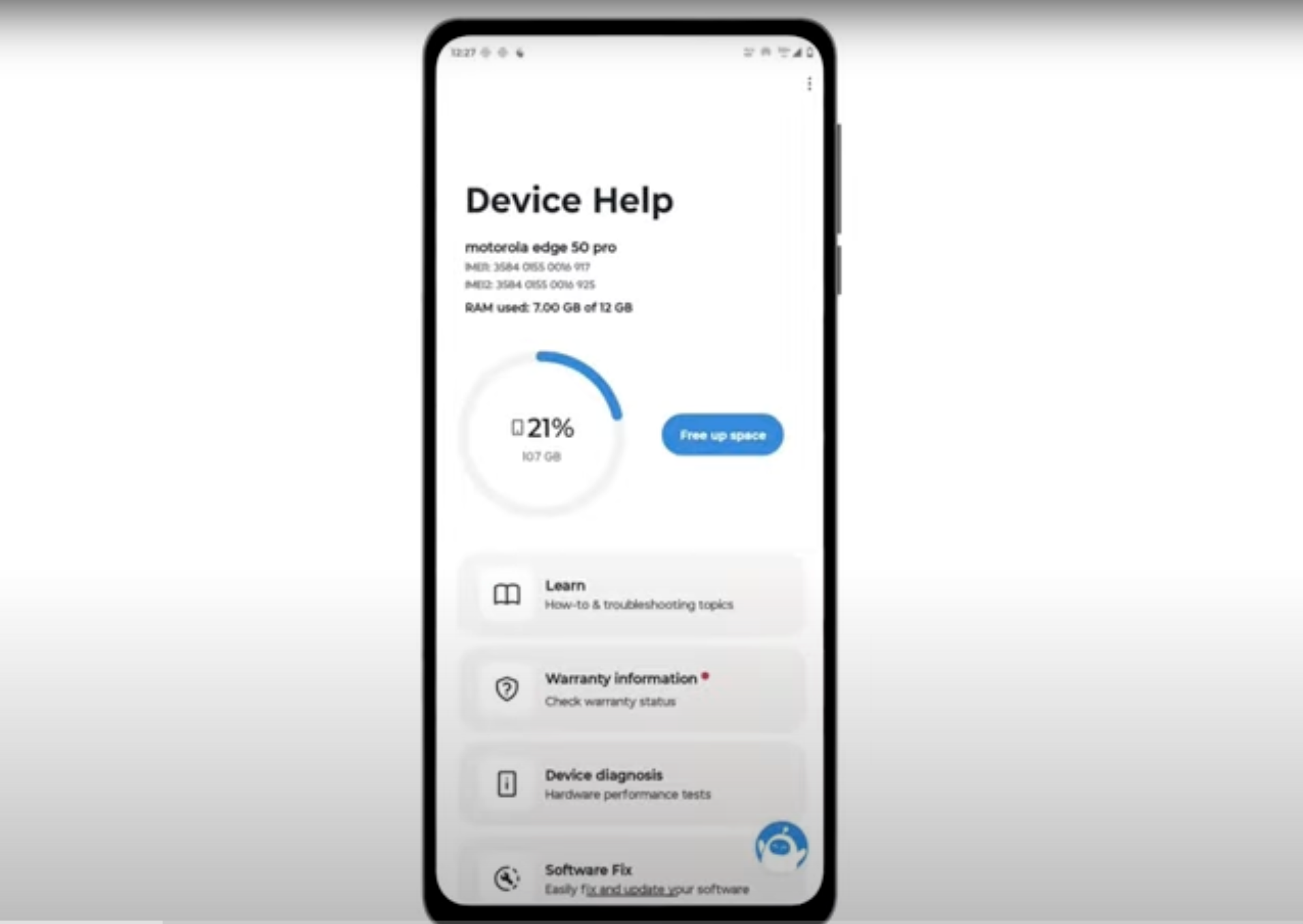
Download and run Motorola Smart Assist to fully test your device and follow any required configuration.