
In this guide, we’ll show you how to replace the battery cover on your G35.
moto g35 repair

Battery Cover Replacement g35
25-30 MINUTES
VIDEO / PHOTO GUIDE
Parts Used
Tools & Consumables Required
Technician notes:
This is a relatively simple repair, but it does require some patience. Getting into the phone can be a bit tricky at first, but once you're in, the rest is straightforward. Take your time when removing the old adhesive—it makes all the difference!
This is a relatively simple repair, but it does require some patience. Getting into the phone can be a bit tricky at first, but once you're in, the rest is straightforward. Take your time when removing the old adhesive—it makes all the difference!
- SIM Tray Removal
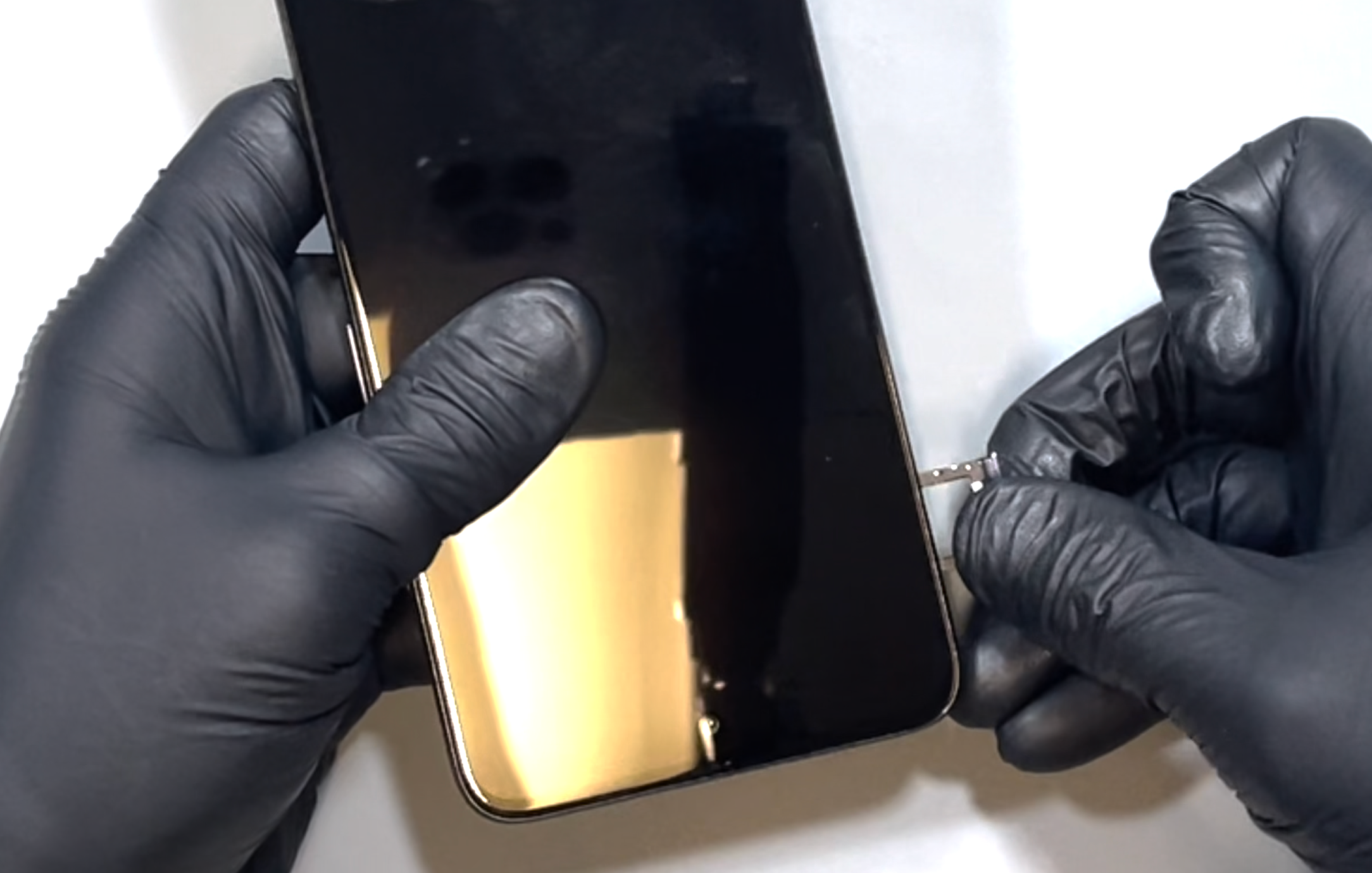

Using a SIM eject pin tool, push into the hole next to the SIM tray until the tray pops out. Remove it by hand and set it aside.
- Battery Cover Removal
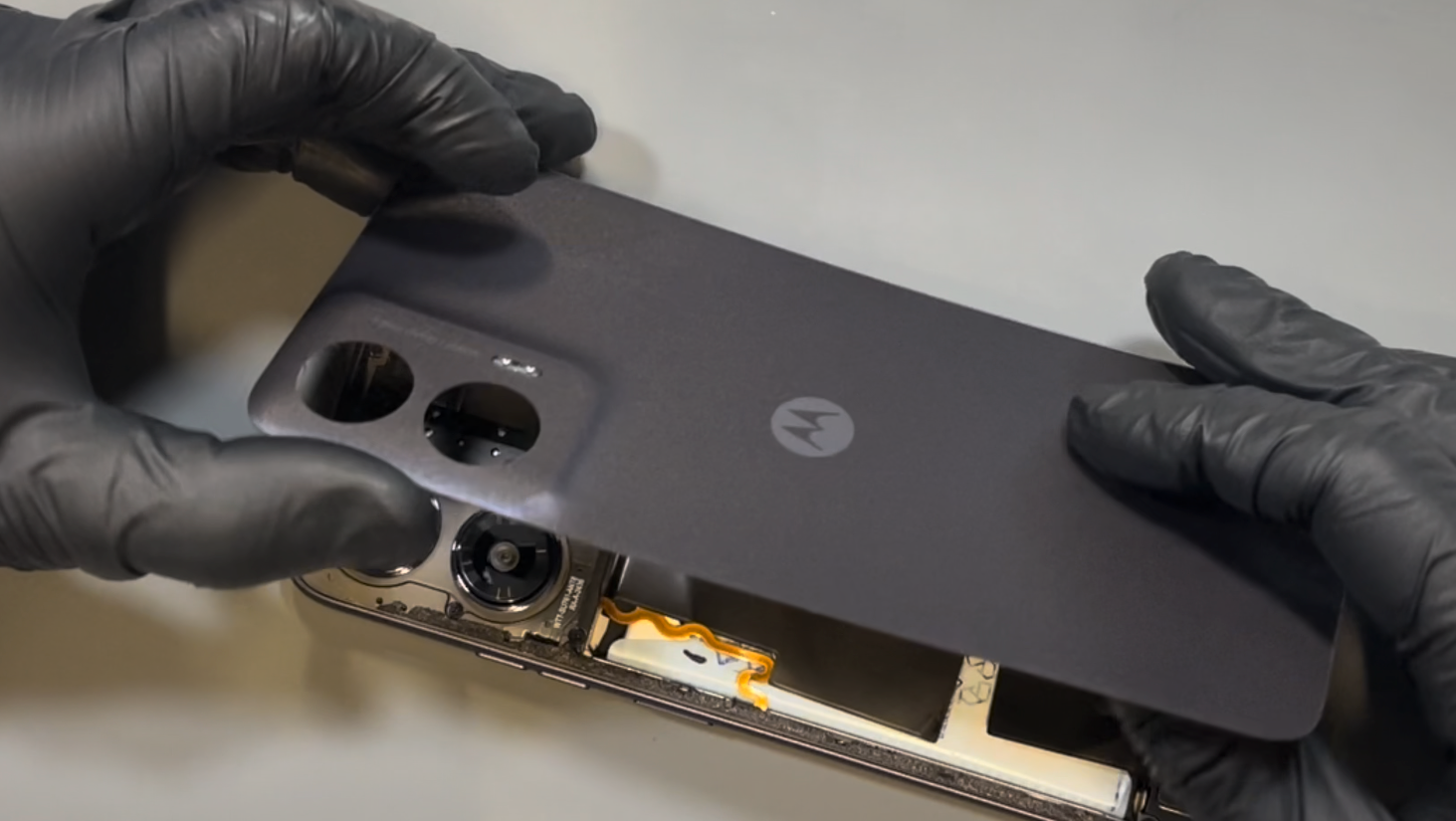
Using a heat gun on a low setting or a hairdryer on medium, warm the back of the phone until it’s comfortably warm to the touch.
With a thin spudger or playing card and a suction cup, begin separating the back cover from the phone’s frame. Work the card around the device in a counterclockwise direction, reheating as needed to keep the adhesive soft. Be careful not to insert the card more than 10mm—especially on the left side, where delicate components are located.
Continue until the adhesive seal is fully broken. Once the cover feels loose, gently wriggle it free until it separates completely from the device.
- New Battery Cover Installation
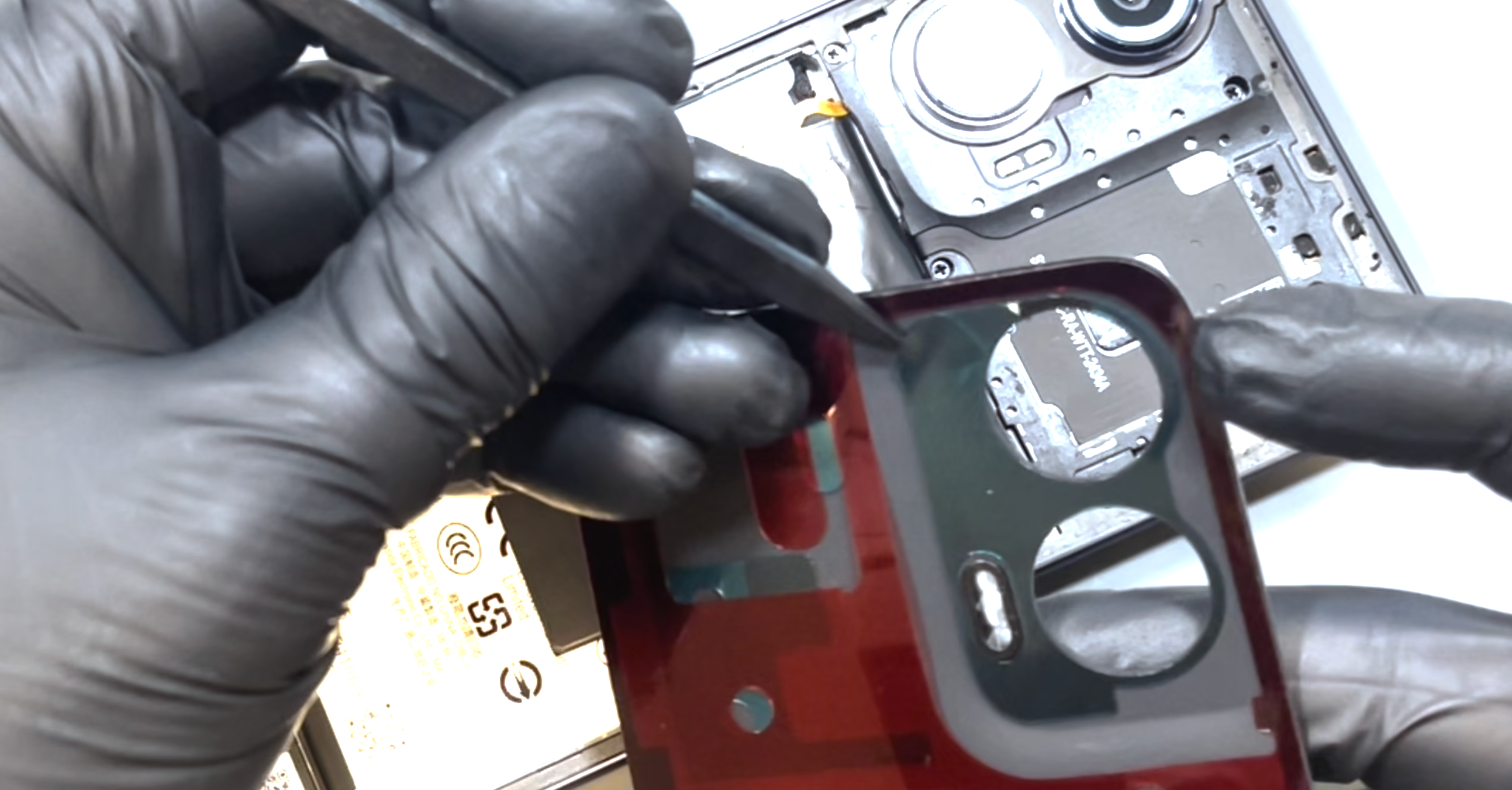
Clean the excess adhesive from the phone’s chassis. This can be time-consuming, so take your time—applying some heat can help soften the adhesive and make removal easier. It's important to remove all of it for a proper fit.
Once the chassis is clean, unpack your new battery cover and remove the protective plastic covering all of the adhesive sections.
Rest the battery cover on the phone, aligning the top and corners first. Once you're happy with the positioning, apply pressure all around the phone using your fingers until the cover is firmly secured in place.
- Final Testing & Device Help App
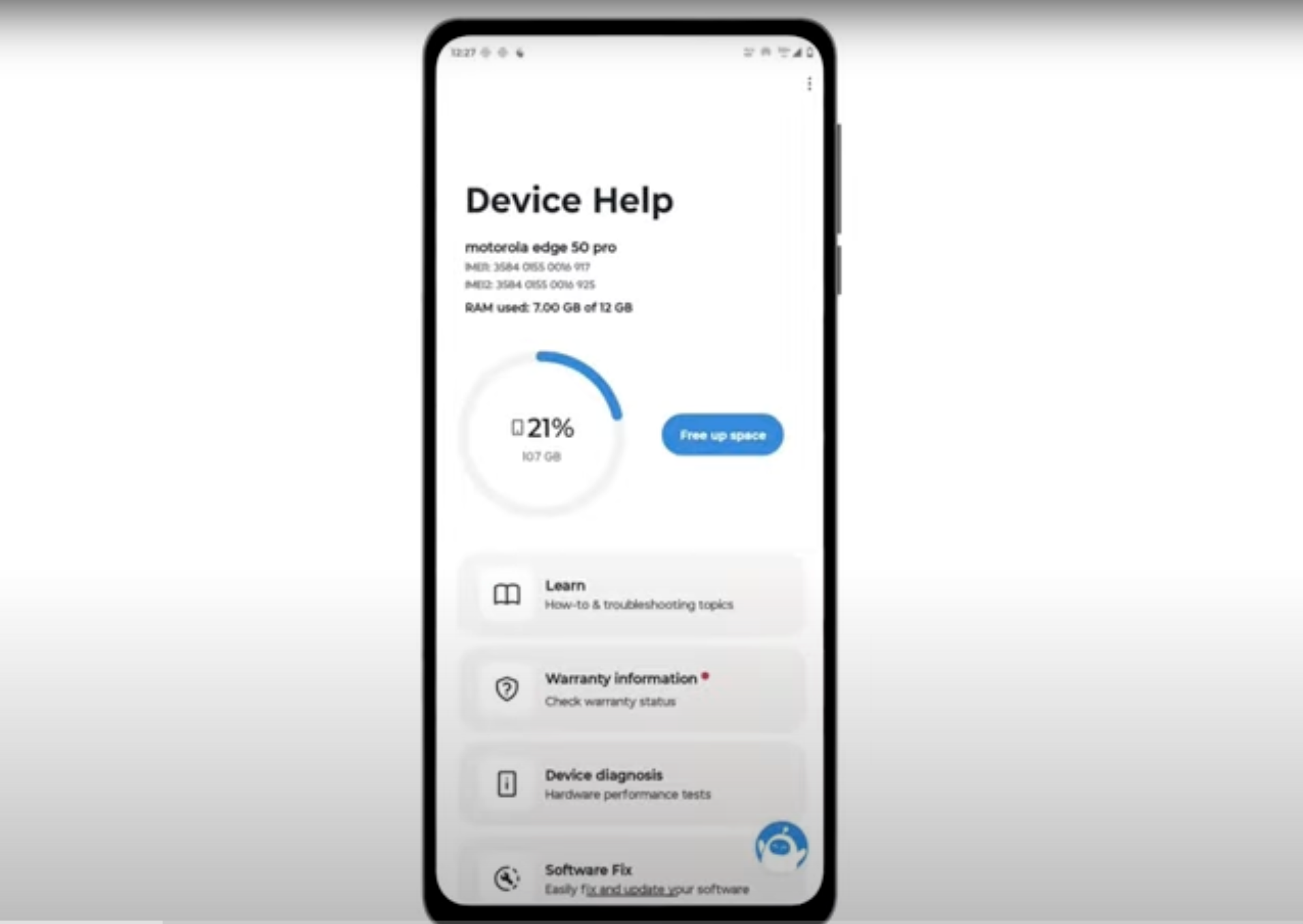
Download and run Motorola Smart Assist to fully test your device and follow any required configuration.