Need to swap out your battery cover? We've got a handy go-to guide to help you replace it smoothly on your Edge 50 Neo.
Motorola Edge 50 Neo repair

Battery Cover Replacement - Edge 50 Neo
20-25 MINUTES
VIDEO / PHOTO GUIDE
Parts Used
Tools & Consumables Required
Technician notes:
I love the Edge 50 Neo—such a solid little phone! That said, it can be a bit too solid. The adhesive holding the battery cover in place is seriously tough, so take your time when opening the device. Make sure to fully remove all of the old adhesive before fitting anything new. Patience here really pays off.
I love the Edge 50 Neo—such a solid little phone! That said, it can be a bit too solid. The adhesive holding the battery cover in place is seriously tough, so take your time when opening the device. Make sure to fully remove all of the old adhesive before fitting anything new. Patience here really pays off.
- Remove SIM Tray, Remove Battery Cover

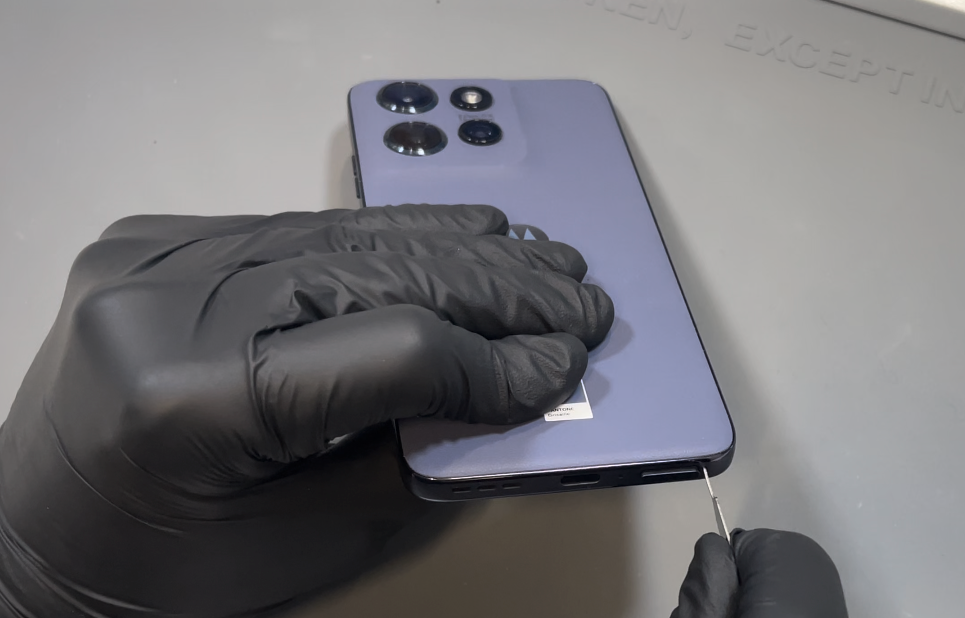
Prepare your work area. Using the SIM eject tool, locate the release hole at the bottom of the phone and remove the SIM tray. Next, use a heat gun on a low setting or a hair dryer on medium to gently heat the back of the phone, focusing on the bottom edge.
Once warmed, use a plastic pry tool or blade to carefully create a gap between the battery cover and the phone frame. When a gap appears, insert the card tool. Continue applying gentle heat as you work the tool around the phone in a counter-clockwise direction, keeping the card inserted no more than 1–2 cm to avoid internal damage.
Once the adhesive seal is loosened, gently wriggle the battery cover to break any remaining adhesive and lift it away from the phone.
- Battery Cover Installation
Ensure the phone’s frame is clean and free from adhesive. If you've just replaced the screen, there's no need to clean the chassis. Light adhesive residue on the frame is acceptable, as long as there are no thick clumps you can feel with your finger. If you're reusing your old battery cover, make sure all old adhesive is completely removed before applying the new adhesive. Once both surfaces are clean, peel the protective film from the battery cover adhesive to expose the sticky side. Loosely align the adhesive with the top edge and corners of the battery cover, resting it in place until you’re satisfied with the positioning. When aligned correctly, press along the adhesive with your fingers to help it bond, then allow it to rest for 5 minutes. After resting, carefully peel off the blue protective film to expose the adhesive—be sure not to accidentally lift the adhesive itself. If you’re installing a brand-new battery cover, remove the protective film from the inside of the camera lenses as well. Finally, press the battery cover into place and apply firm, even pressure around the entire edge of the phone until it feels securely sealed.
- Final Testing & Device Help App
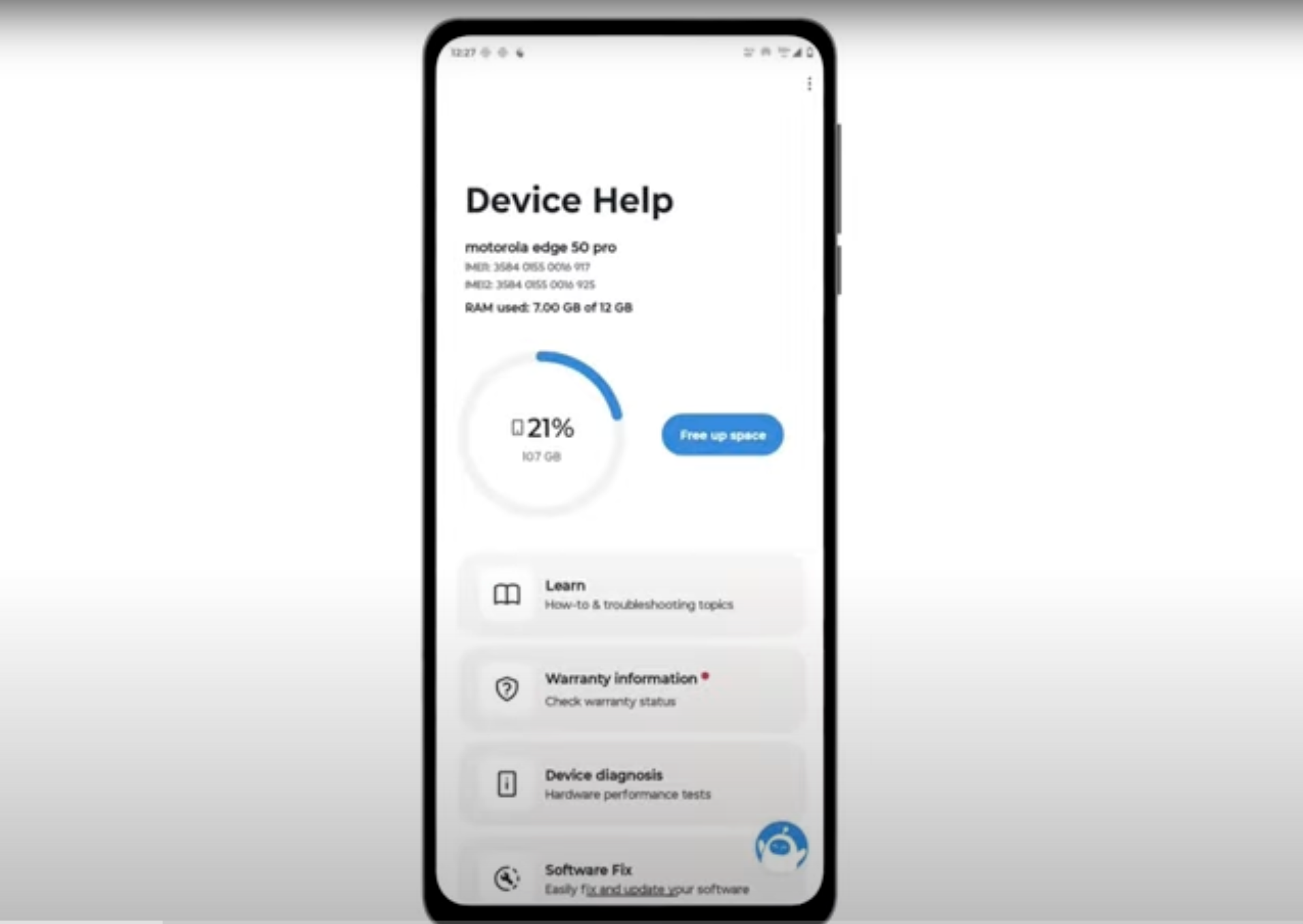
Download and run Motorola Smart Assist to fully test your device and follow any required configuration.