Follow this guide to replace the battery cover on your motorola g55 using a genuine Motorola replacement.
This step-by-step guide includes instructions for both the removal of the old cover and the installation of the new replacement cover.

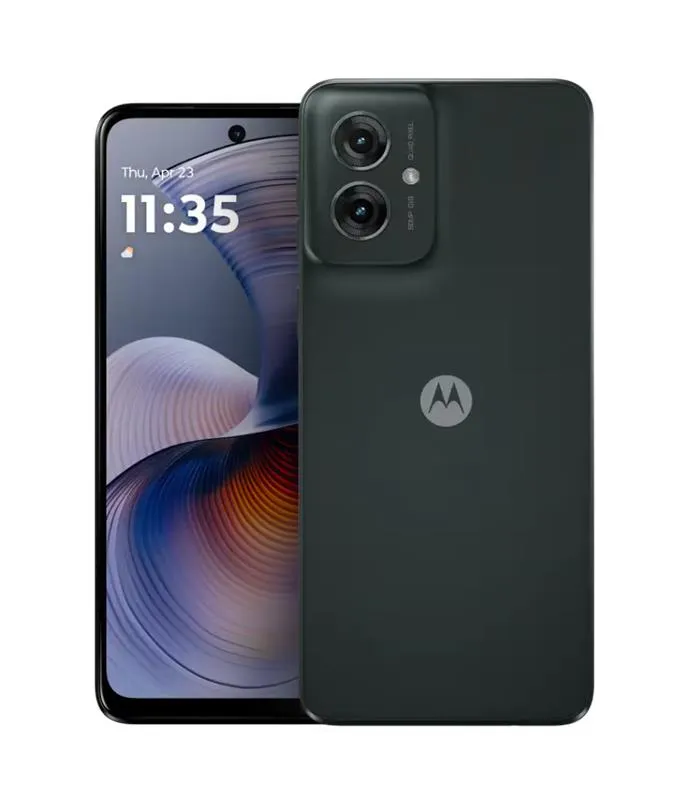
10-12 MINUTES
VIDEO / PHOTO GUIDE
Follow this guide to replace the battery cover on your motorola g55 using a genuine Motorola replacement.
This step-by-step guide includes instructions for both the removal of the old cover and the installation of the new replacement cover.
moto g55 5G | Battery Cover / Rear Panel Adhesive | Forest Grey (Desert Sage) | 5D78C28715
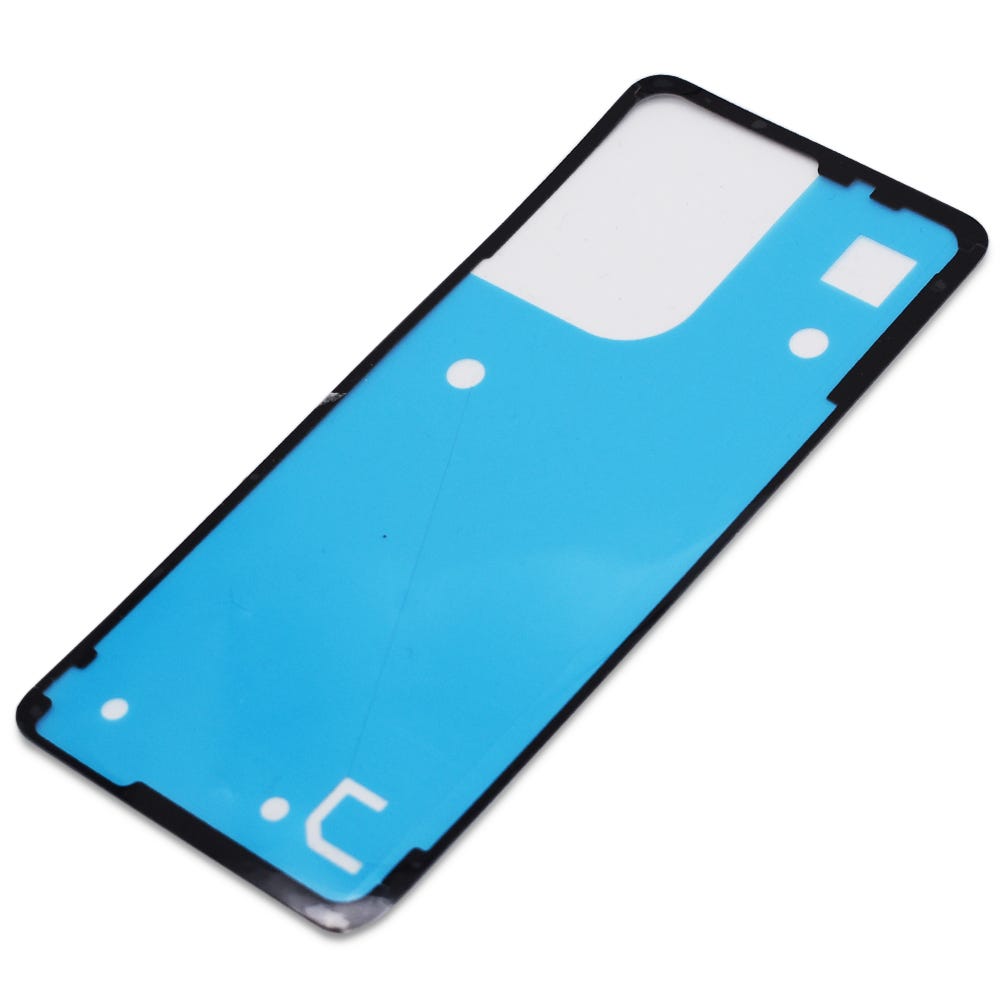
£2.88
Motorola Complete Home Repair Tool Kit
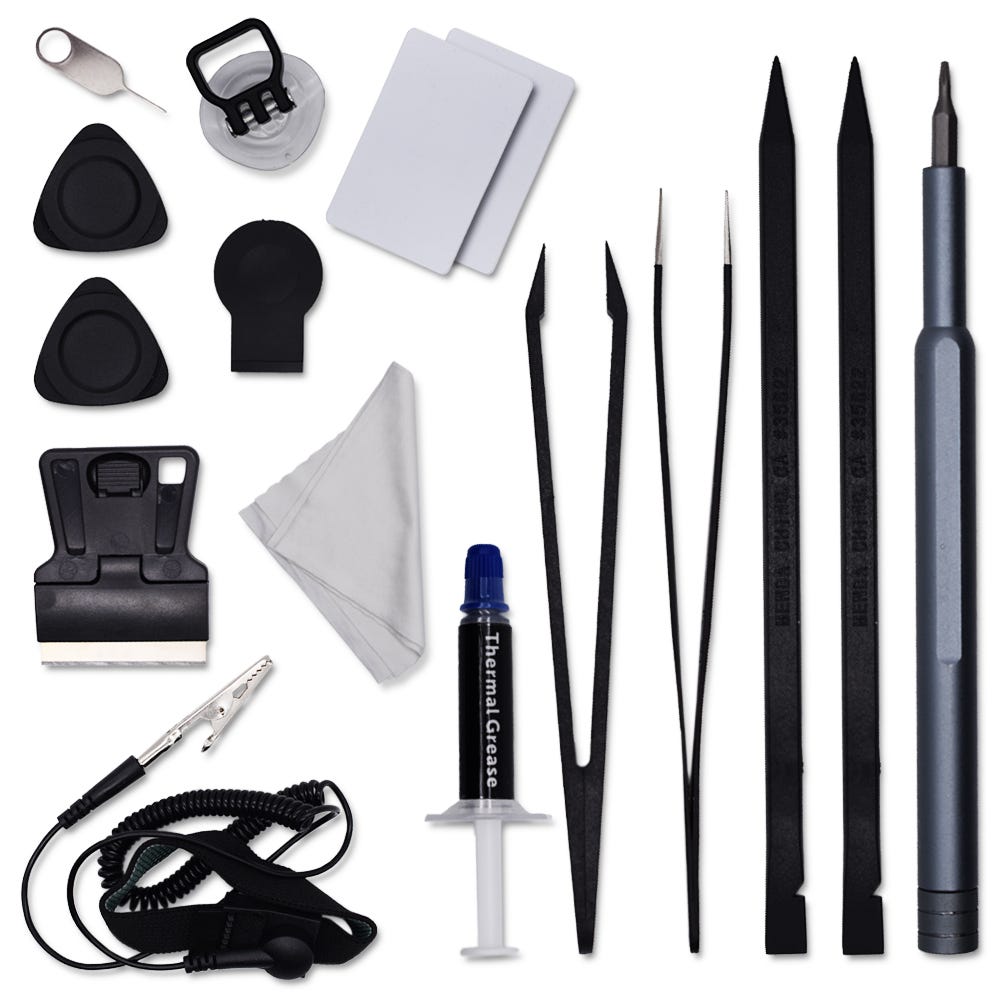
£12.46
Once the cover is removed, ensure all old adhesive is thoroughly cleaned off both the cover and the phone's frame.
Take care not to touch the camera lenses on the phone's camera units or the inside of the camera lens on the battery cover to prevent smudges or damage.
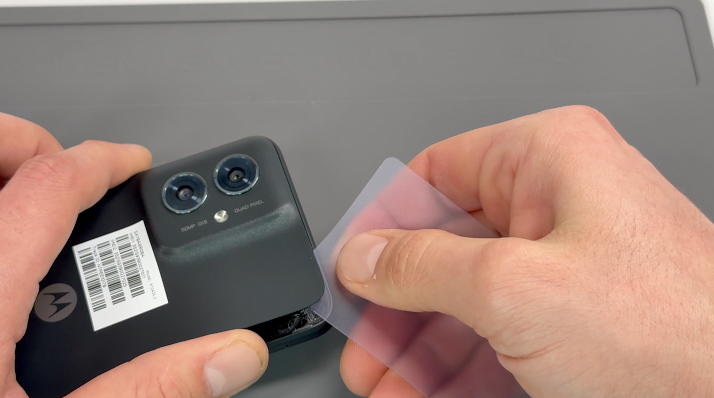

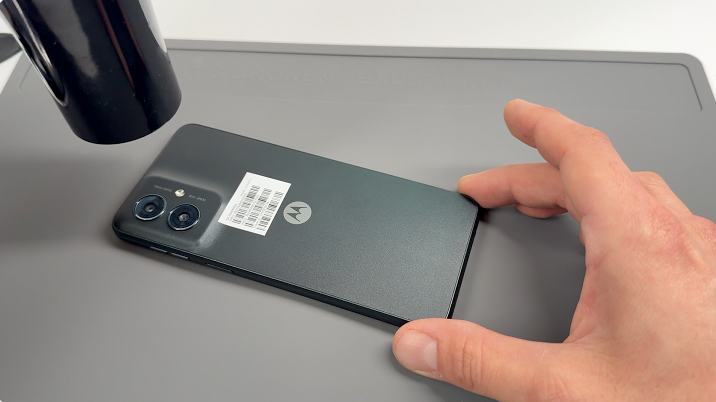
Gently apply heat to the phone’s back cover using a hairdryer on medium or a heat gun on low until it feels warm to the touch.
Using a metal pry tool or carefully using handled blade, create a small gap between the battery cover and the frame. Once the gap is established, insert a plastic card, playing card, or thick paper, and gently slide it around the edges to loosen the adhesive seal.
Reapply heat as needed to soften the adhesive further. Once the seal is fully broken, carefully remove the back cover.
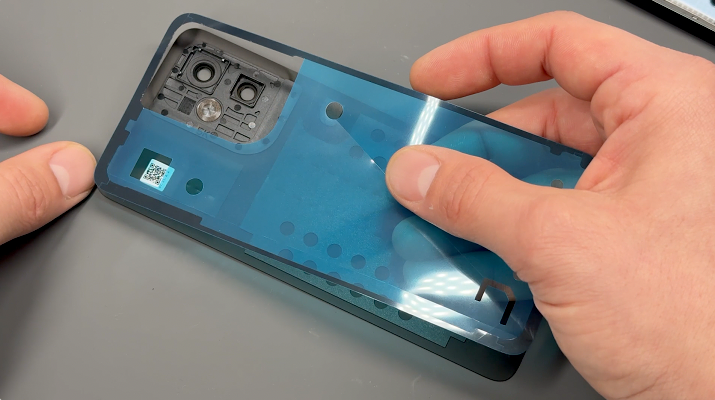
Unpack the new battery cover and carefully remove any protective film from the internal lens.
Inspect the phone's frame and remove any loose adhesive using tweezers or by gently rubbing it away with your finger to ensure a clean surface.
Align the new adhesive precisely with the edges of the replacement battery cover, then press it firmly into place.
Use your finger to apply even pressure around the adhesive to ensure it bonds securely to the new cover.
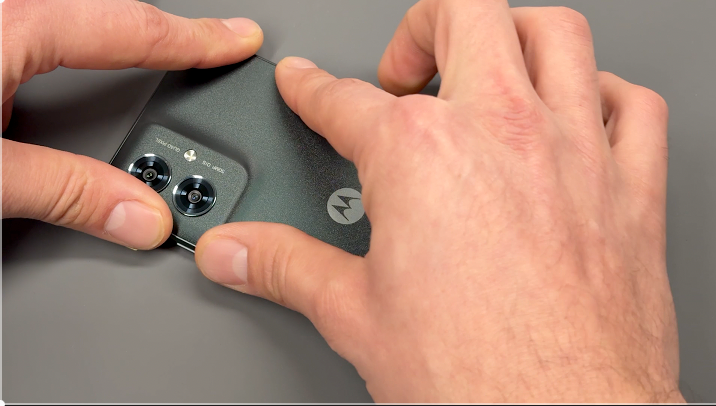
Ensure that both the camera lens on the phone and the internal lens of the battery cover are free from any dust.
Gently place the battery cover onto your phone, aligning it properly.
Apply even pressure all around the edges of the phone to securely seal the device.
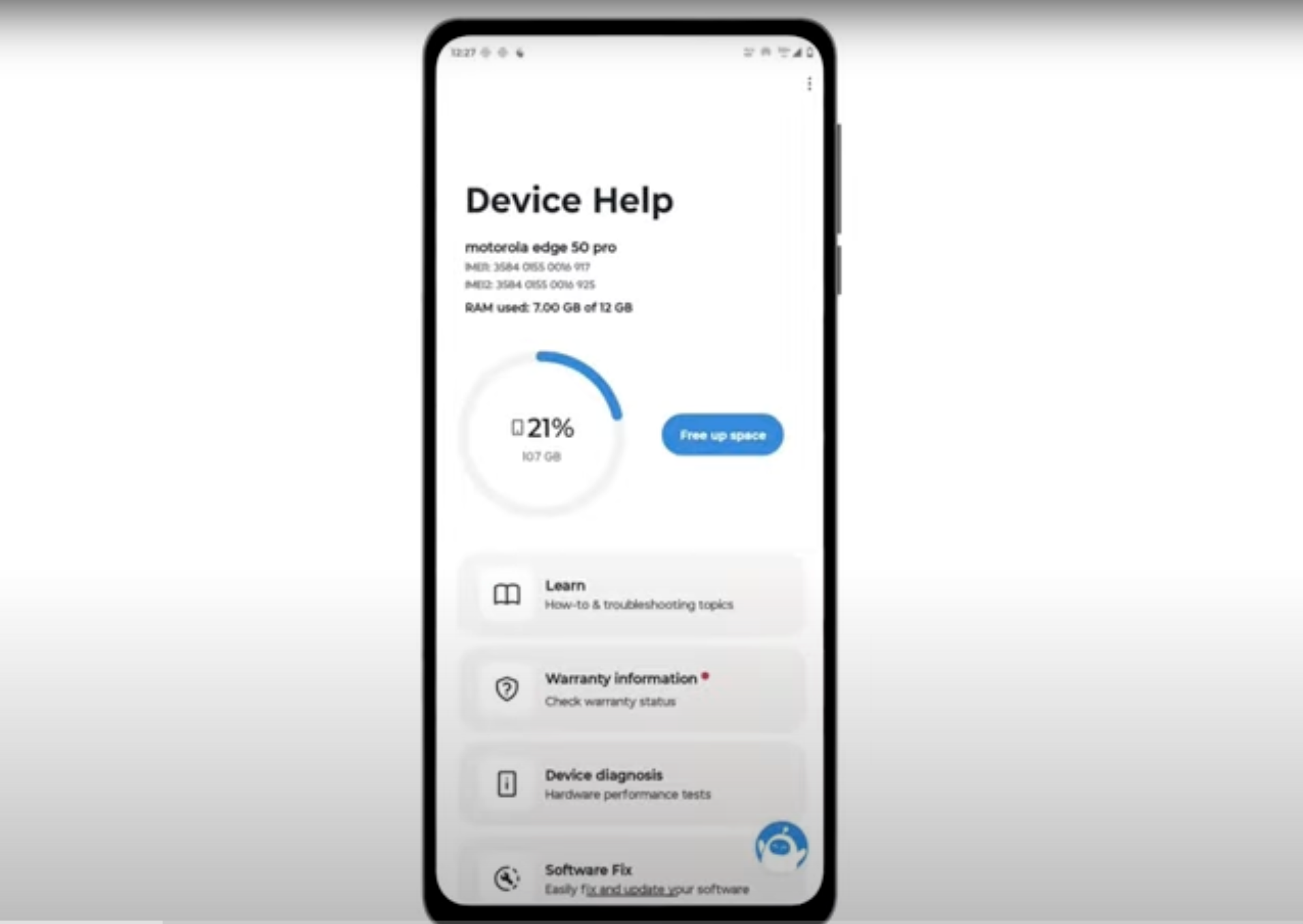
Download and run Motorola Smart Assist to fully test your device and follow any required configuration.